Sunday, 3 January 2016

How to Install ShowBox v4.27 Build 64 Mod APK

How to Install ShowBox v4.27 Build 64 Mod APK ! 


  1. Download the apk from the link given below.

  2. Install the apk.
  3.  Go to Settings > Security > Unknown Sources and make it allowable. Different smartphones have Unknown Sources location at different places but finding it on your mobile is pretty easy.
    unknown sources enable
    4. Now Go to the file location where you have downloaded the ShowBox apk file & click on it.
    showbox file location
    5. When you click on showbox apk, it will ask your permission. Now click onNext button to accept terms & conditions of Showbox as shown in below figure.
    Showbox terms and conditions6. After clicking on Next, it will ask for Install. press on Install button and wait until Showbox install automatically.
    7. When Showbox gets installed automatically, Now you will see a button Open to start watching movies on Showbox. You could click on Done if you wish to use this app later. Now Open ShowBox to watch movies…
     8. When you open the ShowBox app for the first time – It loads some data related to movies and TV shows. Wait until it loads the data.
    9. After loading the data, App presents huge amount of Movies & TV shows on the screen. Click on your favorite movie and enjoy the movie at the instant. Watch ShowBox Movies here… Open & njoy !!

Saturday, 2 January 2016

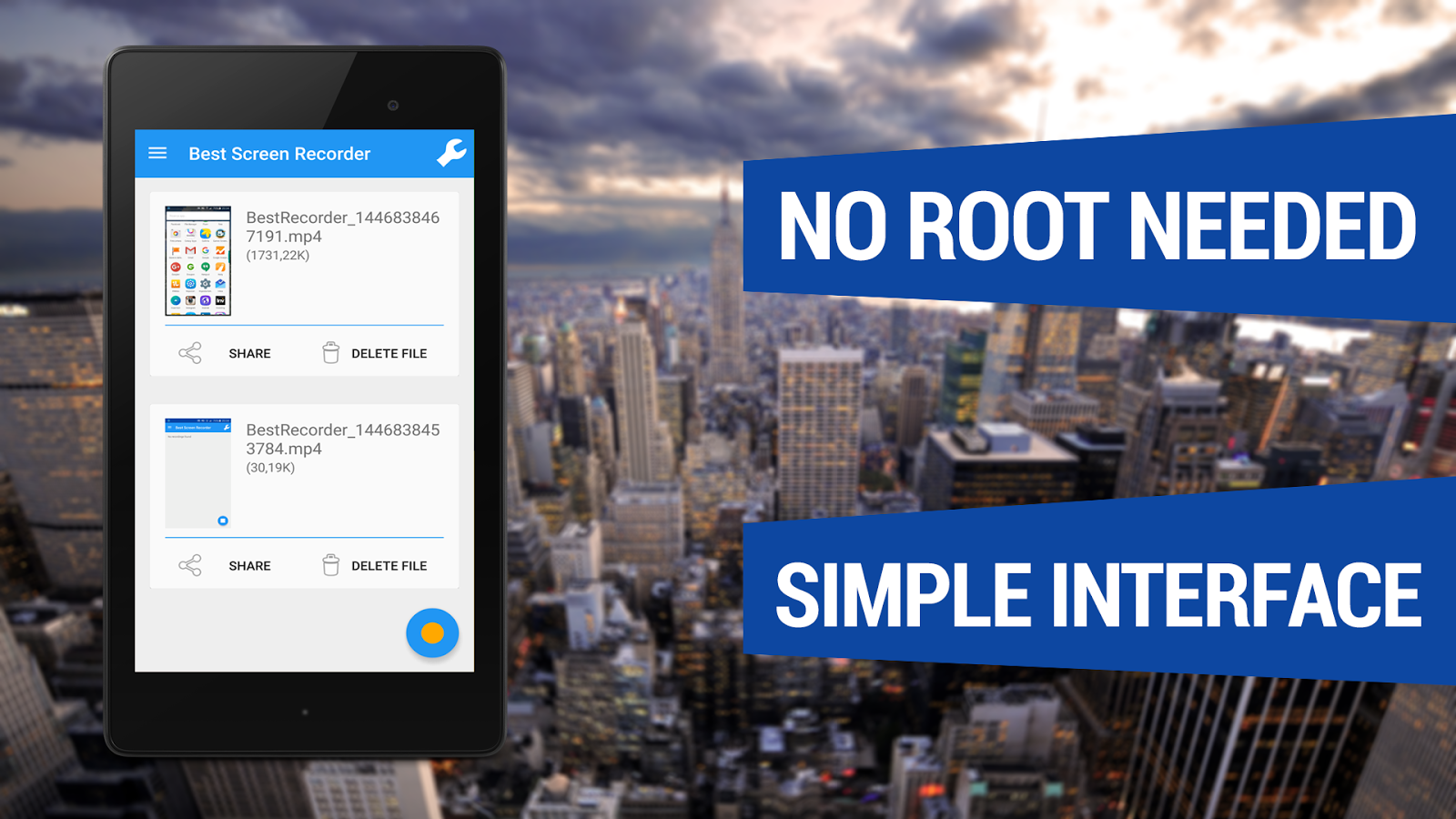
Screen Recorder Pro- No-Root APK

Screen Recorder Pro- No-Root v1.08 APK is Here ! [Latest][No-Root]


Screen Recorder No-Root 
With Best Screen Recorder No-Root you can easily capture your phone/tablet screen to a MPEG4 Full-HD video + audio file at a high frame rate. It is the best screen recording software for Android!
Many users utilize this app to record
  • All types of GAMES with Very High Frame Rate!
  • Video Tutorials
  • Video Calls
  • Promotional or demo videos for their apps
  • Incoming/Outgoing Phone calls
  • Hundreds of other purposes!
In the Settings Menu there are advanced settings that you can customize like Resolution, Frame Rate, Video Bitrate, Starting Countdown, record with or without Audio and the Video Duration.
Here are some other COOL features
  • Android Wear compatible
  • Front camera screen overlay
  • Shake device to stop recording
  • Shake device to take a screenshot
  • Lock device to stop recording
  • You can now record audio
This app records screen without ROOT access on ALL supported smartphones!
How to Install?
  1. Download apk file drom below link
  2. Make sure you have enabled Unknown Sources(Settings>>Security>>Unknown Sources)
  3. Install apk on your android device
  4. All done, Enjoy :) !

GIMP

GIMP

GIMP
If you're looking to removing that pesky red eye from this year's Christmas snaps, you're going to have to sort yourself out with some image editing software. But if you've ever balked at the high asking price of Adobe Photoshop,GIMP could be the answer to your prayers – it's completely free.

GIMP is a powerful free image editor that really punches above its weight

It also comes with an impressive range of tools to rival its Adobe equivalent, all developed on a regularly updated open source basis. With a rich feature set that will appease beginners and experts alike – including layer masks, bezier curves, gradients, brushes and more – GIMP mounts a solid challenge to the Adobe behemoth.

10 Useful Tools For Blogger


Creating

1. Drupal – It all starts with the platform and it’s hard to beat the free Drupal. It’s easy to use, optimized for search engines right out of the box, and has a vast library of useful extensions along with a helpful, vibrant community.
2. Evernote – Create a blog post ideas notebook in Evernote to record ideas as they occur. When you start to write consistently, you’ll get inspiration for blog post anywhere, and at anytime. Store them in Evernote by dragging pictures into your notebook, recording audio notes, and compiling research links and notes. You can do this on your laptop or mobile device and the notes are immediately saved and synced.
Another tool for saving ideas for blog posts is Pocket, the terrific read-it-later app. Sign up, install the browser extension, and save research articles as you discover them. Pocket gives you the option to quickly add a tag, like “blog post ideas” tag for quick retrieval.
3. Pomodoro Timer – Lack of sustained focus is a big problem for writers. Instead of trying to knock out a post in two hours without a break and falling victim to distractions, like the constant stream of notification beeps from your social networks, follow the pomodoro technique and focus your writing in 25 minute increments.
4. Images – It’s now time to add an image to your blog post. Creative Commons is a great place to find royalty-free images. It’s a one-stop search engine for Flickr, Clip Art, Wikimedia, and more. I also like Fotolia’s huge library of $1 images.
5. Pixlr – You will occasionally need to edit photos. Ditch the much too complex and expensive Photoshop and give online-editing tool, Pixlr, a try. This free, nifty program even allows you to layer images, the holy grail of photo-editing tools. For Mac users, the native “Preview” applications handles most jobs.

Optimizing

6. Yoast SEO plugin – Another way people find your post is via search. You can help out the search engines by optimizing your posts, but it can get a bit complicated. Let SEO Yoast plugindo the work for you. It incorporates everything from a snippet preview and page analysis functionality that helps you optimize your pages content, images titles, meta descriptions and more. This is a must-have WordPress plugin.
7. Google Keyword tool – If you want to take it up a notch and find out which high-ranking keywords to use, check out Google Keyword Tool. Note that this is a secondary tool. Useful, relevant content is priority number one.

Promoting

8. Social media buttons – Social media dramatically expands your audience. For many blogs Twitter, Facebook, LinkedIn and even Pinterest ranks in the top-5 in referral traffic sources. You’ll need to install social sharing buttons, like Facebook and Twitter on your blog to make it easy for your readers to share. You can install scripts for each or use a plugin like AddThis orShareaholic.
9. RSS Feed – Give visitors to your site the option to get all news posts by placing an RSS icon on your blog. The free Feedburner from Google also provides an option to subscrbe via email. A fee-based alternative is Feedblitz.

Analyzing

10. Google Analytics – Find out which posts are being read, who are reading them, and how they found the posts. The free, comprehensive Google Analytics provides great insight into these and much more. If you can’t wait to check out your traffic numbers, check out the handyAnalytics App for the iPhone. Use the data to help guide your choice of content.
These are just a few of the many tools available to make your blogging life more productive and rewarding. If you have any can’t-do-without tools, please share in the comments below.